
Alternative · Claude Design
Local-first Claude Design alternative.
SankiWork is the local-first design layer around the coding agent you already use — your key, your files, a curated skill and design-system library.
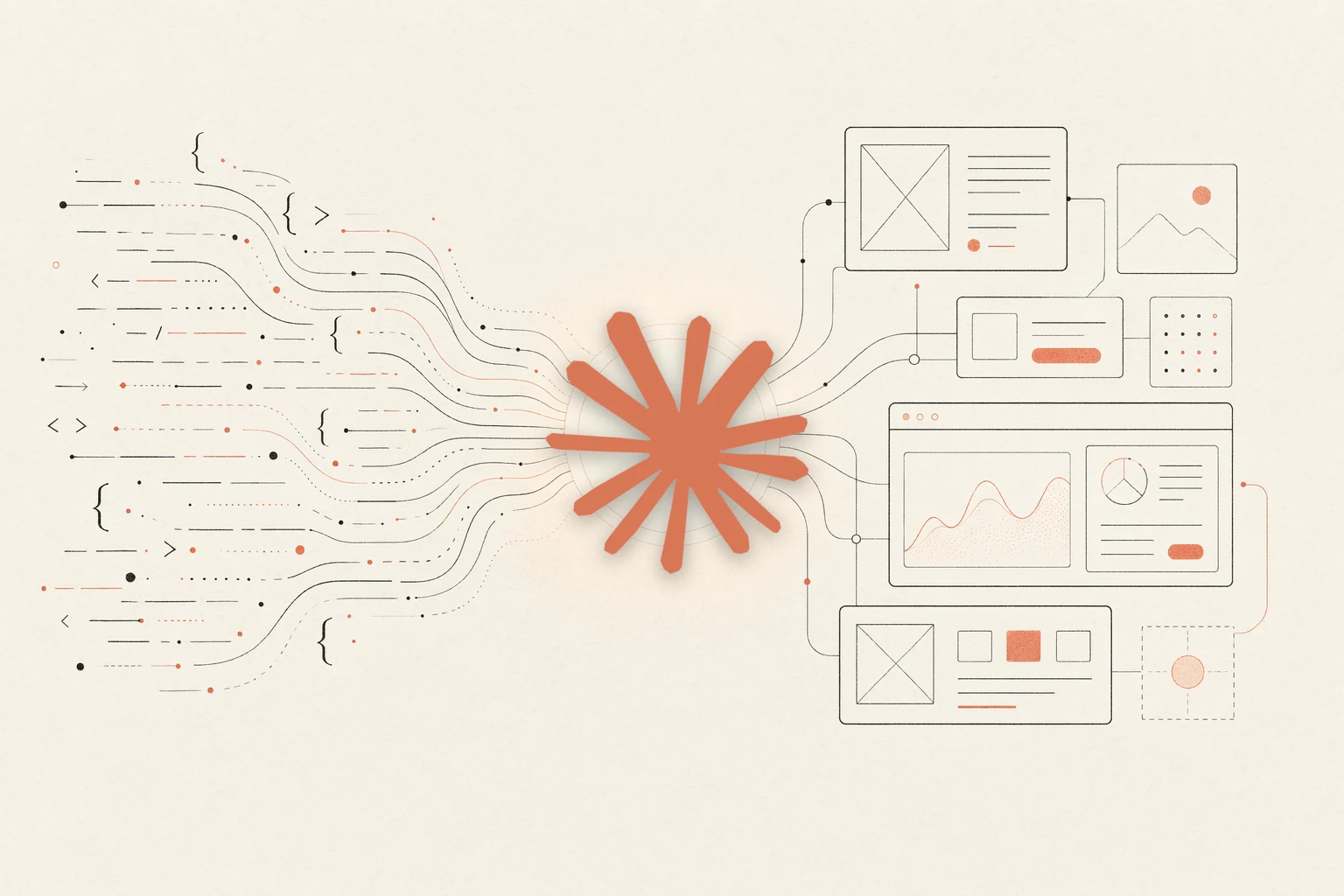
Claude Design is a hosted, vendor-managed product for prompt-to-design work. SankiWork is a self-evolving design agent for Claude Code and other coding agents — local-first, BYOK — that keeps your skills and a portable brand as files in your own repo.
This is an honest comparison: why teams look for an alternative, how local-first + BYOK changes the economics, a feature-by-feature table, who should pick which, and how to move a design across. It is candid about where a hosted product is more convenient.
01
What Claude Design is
Claude Design is a hosted, vendor-managed product for turning prompts into design artifacts, tied to a single vendor’s cloud and agent. It is convenient: zero local setup, one bill, a hosted UI.
SankiWork is a different posture: a local-first design agent you point your own coding agent at — overlapping on the prompt-to-design-artifact job, not on being a hosted product.
- Vendor: hosted SaaS, single-vendor agent
- Pricing: bundled into a vendor subscription
- Primary output: vendor-hosted documents
02
Why teams look for a Claude Design alternative
These reasons keep showing up in support threads, GitHub discussions, and Discord:
- Data ownership: Designs should live as files in a repo, not documents in a vendor DB.
- BYOK economics: Bring your own provider key so API spend bills to your account instead of a bundled subscription.
- Agent choice: Drive design from the agent you already use for code — Claude Code, Codex, Cursor, and more.
- Self-host / fork: Local-first, self-hostable, rebrandable for your studio or company.
03
Local-first + BYOK, explained
SankiWork runs a desktop app, a local daemon, and Markdown skill/system catalogs on your machine. No design output is forced through a vendor cloud, and your brand lives in your repo as a portable DESIGN.md file every skill respects.
You bring your own agent key. Credentials stay in local config or environment variables — SankiWork never proxies them — and the API spend bills directly to you.
04
SankiWork vs Claude Design, feature by feature
| Feature | SankiWork | Claude Design |
|---|---|---|
| License | Local-first · free | Closed-source, hosted product |
| Runtime | Local daemon on your machine | Vendor cloud |
| Agent | BYOK: Claude Code, Codex, Cursor, Gemini, OpenCode, Qwen | Vendor-managed agent |
| API spend | Bills to your account | Bundled into vendor subscription |
| Design system | Portable DESIGN.md in your repo | Stored in vendor DB |
| Skills | Composable SKILL.md you can fork | Built-in templates |
| Self-host | Yes, run anywhere Node 24 runs | No |
| Artifact ownership | Files in your project directory | Vendor-hosted documents |
| CLI / CI | Yes via od CLI + HTTP daemon | Web UI only |
Where Claude Design wins: zero local setup, one vendor bill, and a hosted UI. If that convenience is the priority, a hosted product is hard to beat — SankiWork trades it for ownership and BYOK.
05
Who should pick which
Pick Claude Design if:
- You want zero local setup and one vendor bill.
- You are already deep in a Claude-first hosted workflow.
- Your team prefers a hosted UI over Markdown files.
Pick SankiWork if:
- You want design artifacts as version-controlled files.
- You want BYOK with your existing coding agent.
- You want to fork, rebrand, embed in CLI, or self-host.
- You want one DESIGN.md per brand that every skill respects.
06
Moving a design from Claude Design into SankiWork
There is no automatic import from Claude Design today; use a one-time brand-extraction run.
- Install SankiWork from the quickstart.
- Open the web UI and point your agent at a Claude Design artifact you like.
- Ask the agent to extract the brand into a DESIGN.md file.
- Pick a skill and render it against your new brand.
From then on, every skill renders in your brand without re-prompting — and the files stay in your repo.
FAQ
FAQ
-
01 Is SankiWork really a drop-in alternative to Claude Design?
Not literally, but they overlap on prompt-to-design-artifact use cases.
-
02 Is Claude Design free?
Claude Design is a paid hosted product. SankiWork is free and — you only pay for your own agent API usage (BYOK), with nothing bundled into a subscription.
-
03 Is there a free Claude Design alternative?
Yes — SankiWork is a free, alternative. Download the desktop app, bring your own agent key, and design locally with no seat or subscription fee.
-
04 Does Claude Design have templates — and does SankiWork?
SankiWork ships composable SKILL.md skills and portable DESIGN.md design systems you can fork, instead of fixed built-in templates — so a template becomes a file you own and version in your repo.
-
05 Is Claude Design open source or on Gitea?
Claude Design is a closed-source hosted product. If you want a design tool you can self-host or download, SankiWork is on Gitea at gitea.com/Sanki5211/sankiwork-community.
-
06 Can I use Claude as my agent in SankiWork?
Yes. SankiWork supports Claude Code and Anthropic API BYOK flows; credentials are never proxied through us.
-
07 What happens to my Claude Design designs?
You can keep using Claude Design alongside SankiWork; migration is manual today.
-
08 Does SankiWork generate the same artifact types?
Yes for common types: landing pages, decks, dashboards, social posts, brand systems, and prototypes.
-
09 Is SankiWork affiliated with Anthropic or Claude?
No. SankiWork is an independent project. Claude is a trademark of Anthropic; this is an unaffiliated comparison.
Switch in three commands.
Star the repo, grab the desktop build, or run the install in your terminal. Your DESIGN.md system stays in your repo from the first render onward.