

Product launch
@sankiwork Create a tactile product launch page for Oryzo, a sustainable rice-husk material. Use a cutting-mat grid, cork-toned product photography, oversized typography, technical labels, and a warm editorial layout. Enter the instruction below into any task in your  ChatGPT desktop app
/goal Read https://sanki-ai.cloud/codex-plugin/ to install SankiWork for Codex and set up a new task for me.See the complete Codex and SankiWork workspace first, then follow the real install-to-result sequence.
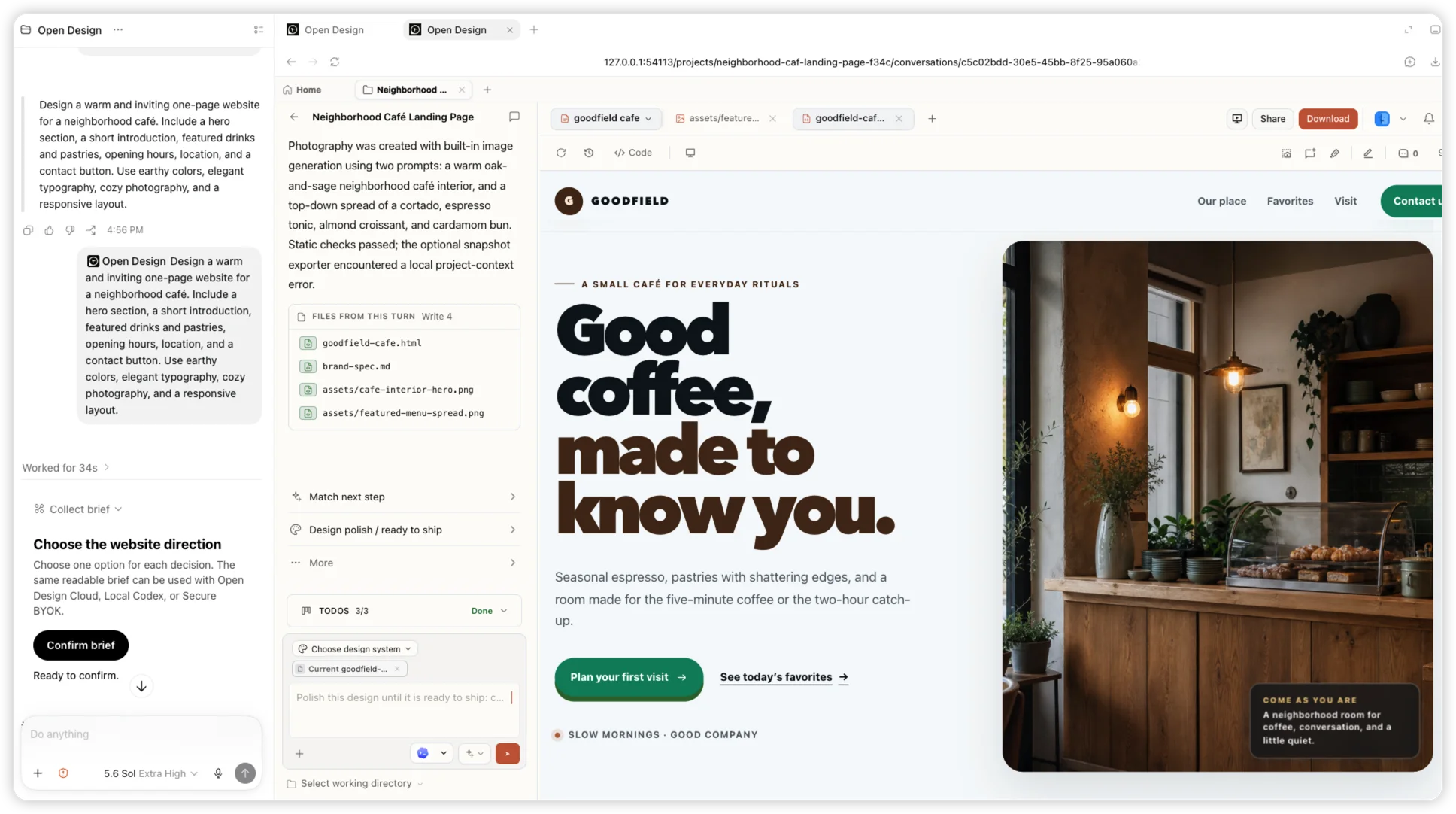
01 Install
Paste this instruction into a Codex task. Codex adds the canonical Git marketplace source, installs the plugin only if it is missing and completes the local MCP setup without requiring a public catalog listing.
/goal Read https://sanki-ai.cloud/codex-plugin/ to install SankiWork for Codex and set up a new task for me.02 Use
After Codex finishes the installation, open the installed SankiWork plugin in the new task and choose “Try now” to begin.
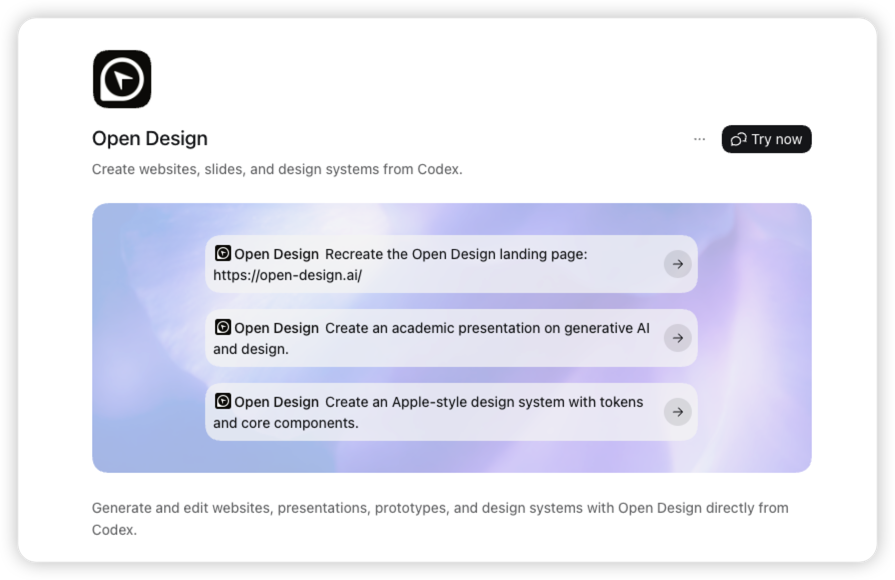
03 Create
Mention SankiWork, then describe the artifact, content, visual direction and responsive requirements.
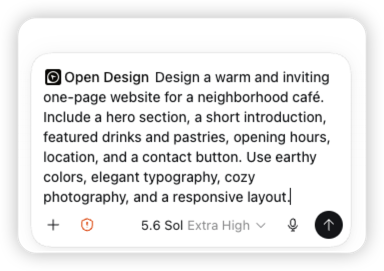
04 Create
Codex confirms the direction, creates the project and hands the work into SankiWork while files appear live.
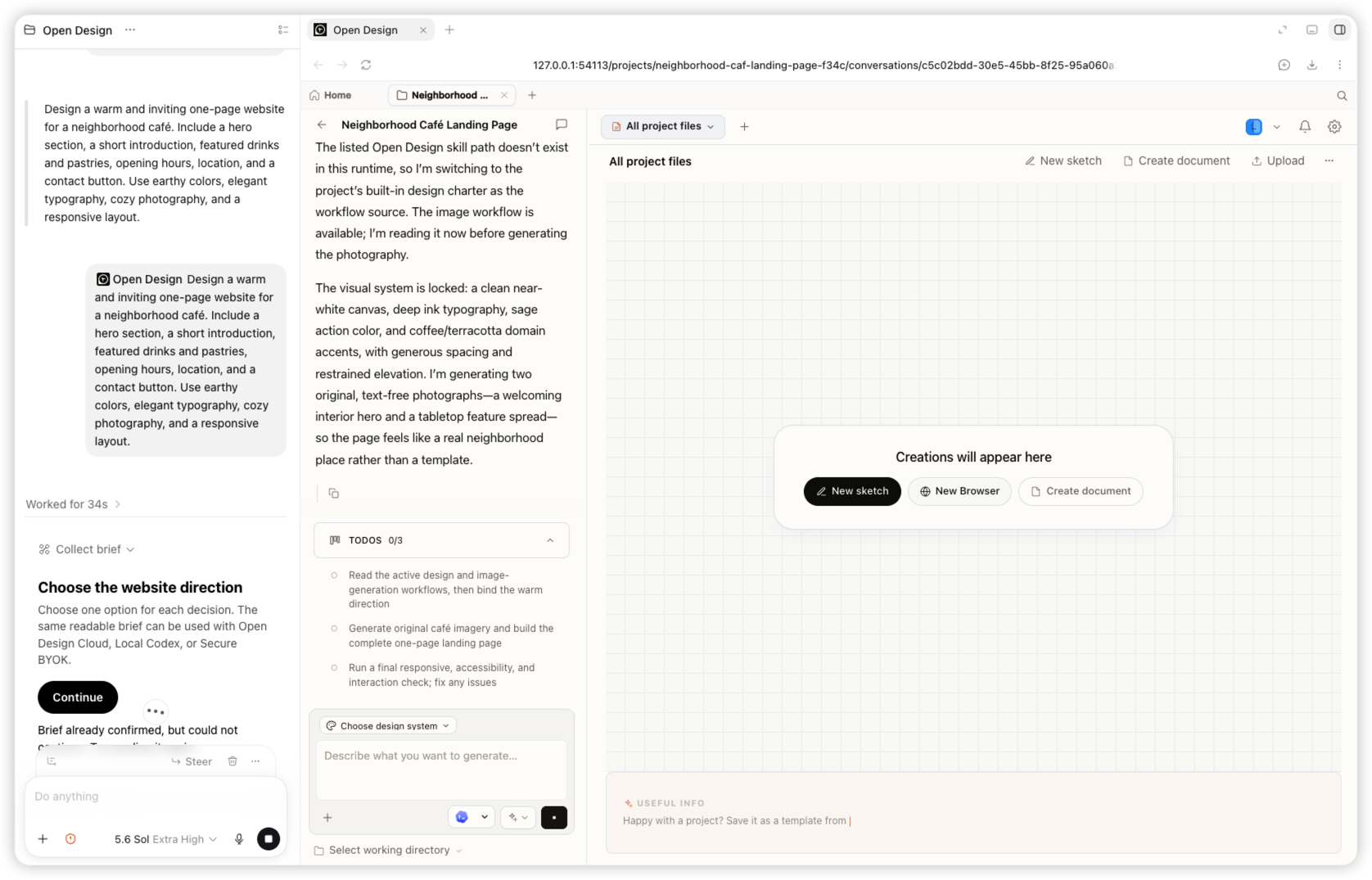
05 Create
The same task returns the responsive Goodfield café landing page, its generated images and editable files.
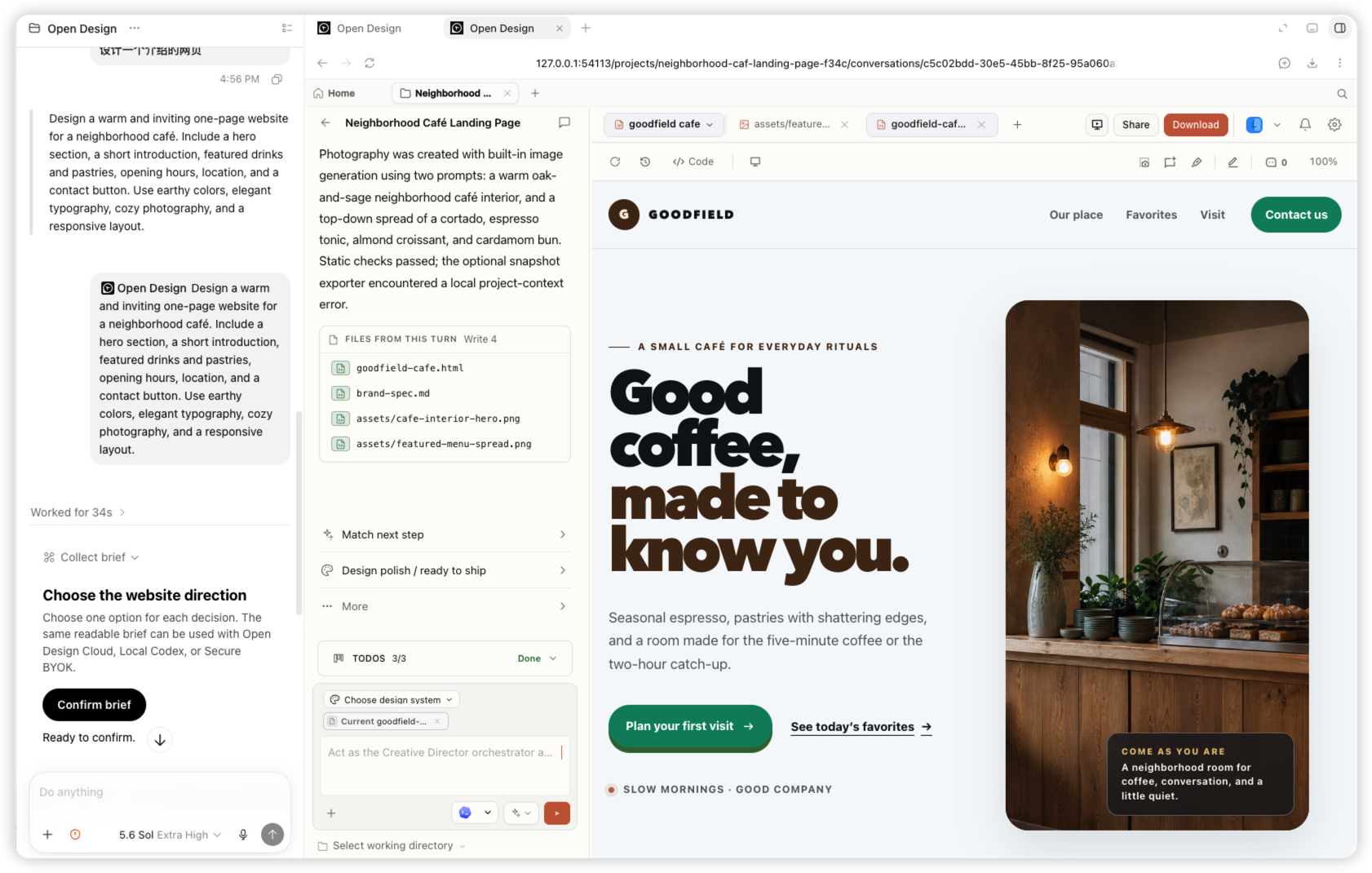
Select SankiWork from Codex’s plugin menu, describe the artifact and keep refining from the same task. Codex renders the plugin mention as an SankiWork chip.
@sankiwork Create a tactile product launch page for Oryzo, a sustainable rice-husk material. Use a cutting-mat grid, cork-toned product photography, oversized typography, technical labels, and a warm editorial layout. 
@sankiwork Create an event landing page for SankiWork Osaka. Lead with a typographic map of Japan, restrained ivory and olive colors, the date and location, speaker details, and a clear registration action. 
@sankiwork Create a dark editorial website for Fable 5. Use a near-black canvas, small navigation, a bold serif headline, restrained white typography, and subtle interactive controls. 
@sankiwork Create an interactive release story for SankiWork 0.9.0. Visualize a model timeline on a bright canvas with floating cards, connecting lines, color-coded labels, and responsive horizontal exploration. Codex stays in control of the task. SankiWork handles the visual workflow.
It gives Codex an SankiWork workflow for websites, slides, prototypes and design systems. The plugin connects to the local SankiWork MCP for briefs, projects and artifact generation.
The current package supports Codex Desktop and Codex CLI. Codex is the first supported host.
Use Codex CLI 0.144.6 or newer and SankiWork 0.17.0 or newer. Install SankiWork before registering its local MCP.
Codex loads plugin and MCP capabilities when a task starts. A fresh task picks up the newly installed SankiWork Cloud plugin.
No. The registered local MCP can start the signed SankiWork runtime headlessly when it is needed.
Install the plugin, connect the local MCP and invoke @sankiwork.